

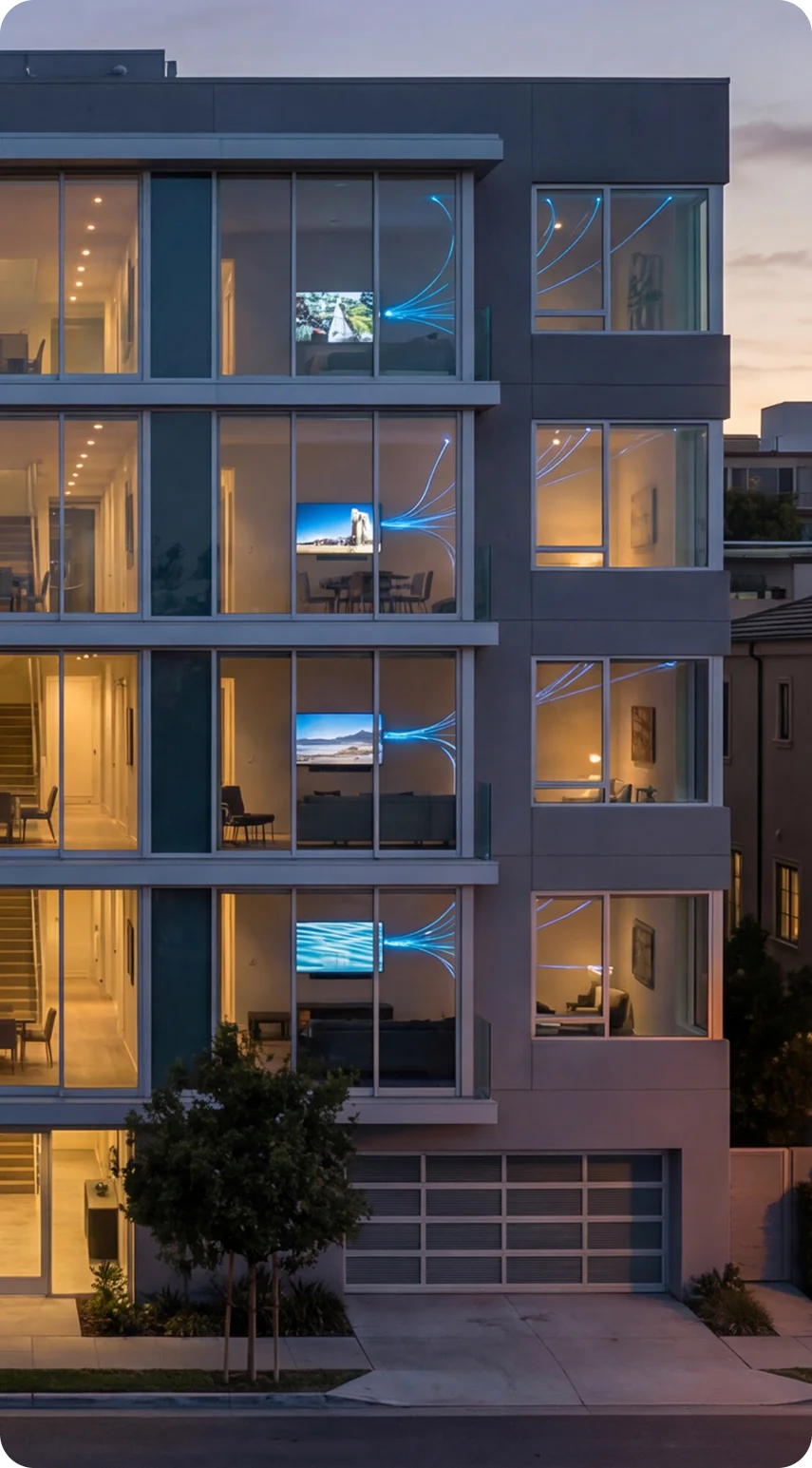


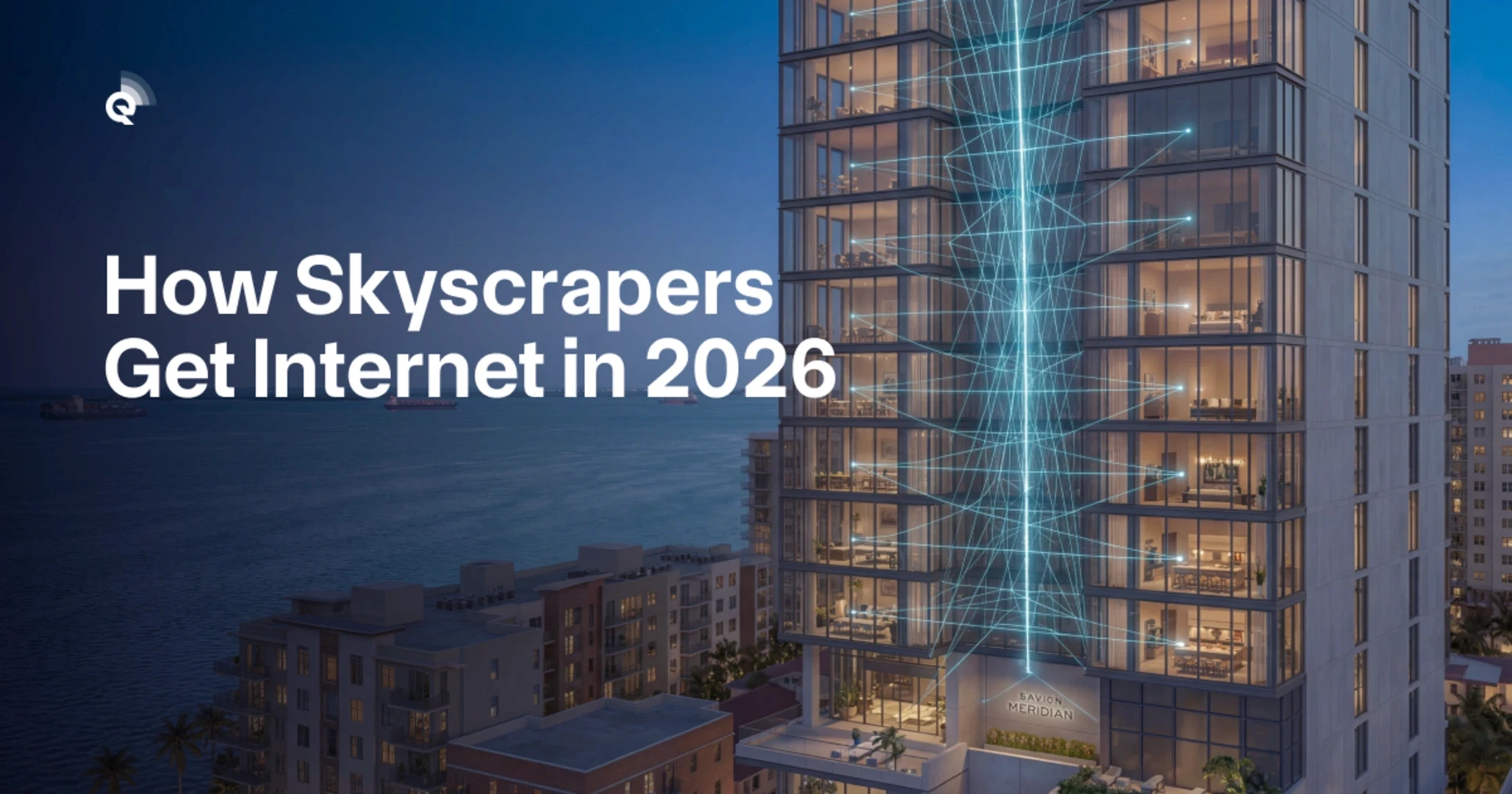
Ever wondered how the Wi-Fi signal reaches your phone on the 47th floor of a skyscraper? It’s not magic—though the engineering behind high-rise Wi-Fi deployment is genuinely impressive. This guide breaks down exactly how modern tall buildings get internet to every corner, from the basement parking garage to the rooftop terrace.
Who this is for: Anyone curious about technology, residents of high-rise buildings, property managers exploring upgrades, or students learning about network infrastructure. No technical background required.
What you’ll learn: The basic components that make high-rise connectivity work, why tall buildings present unique challenges, and how engineers solve them. By the end, you’ll understand what’s happening behind those little blinking lights in your building’s utility closets.
If you want the quick version: high-rise Wi-Fi works like a vertical highway system, with fiber optic “roads” running up the building and access points acting as “exits” on every floor. Now let’s explore how each piece fits together.
What Makes High-Rise Wi-Fi Different From Your Home Setup?
Your home router sits in one spot and covers maybe 2,000 square feet. A 50-story high-rise might have 500,000 square feet spread across hundreds of units, common areas, elevators, and parking structures. The scale difference alone requires completely different thinking – and avoiding common condo Wi-Fi system mistakes becomes critical at this scale.
Here’s what makes high-rise Wi-Fi deployment uniquely challenging:
- Vertical distance: Signals must travel up (or down) hundreds of feet, not just across rooms
- Concrete and steel: Building materials block and weaken wireless signals dramatically
- Density: Hundreds of devices competing for bandwidth simultaneously
- Interference: Neighboring networks, appliances, and even elevator motors create signal noise
Think of it this way: your home network is like a single garden hose watering one lawn. A high-rise network is like the municipal water system serving an entire neighborhood—same basic concept, vastly different infrastructure.
The Three-Layer Approach
Modern high-rise buildings use a three-layer system. First, fiber optic cables bring massive bandwidth into the building from the street. Second, a “backbone” distributes that bandwidth vertically through the building. Third, access points on each floor convert the wired signal into Wi-Fi that your devices can use.
Each layer requires specific equipment and careful planning. Skip any layer, and the whole system underperforms. According to the FCC’s broadband guidelines, modern buildings should support minimum speeds of 100 Mbps per unit—a target that requires all three layers working together efficiently.
The good news? When done right, high-rise residents often get faster, more reliable internet than suburban homes. The building’s infrastructure acts as a shared resource that individual homeowners couldn’t afford alone.
How Does Internet Actually Enter a Skyscraper?
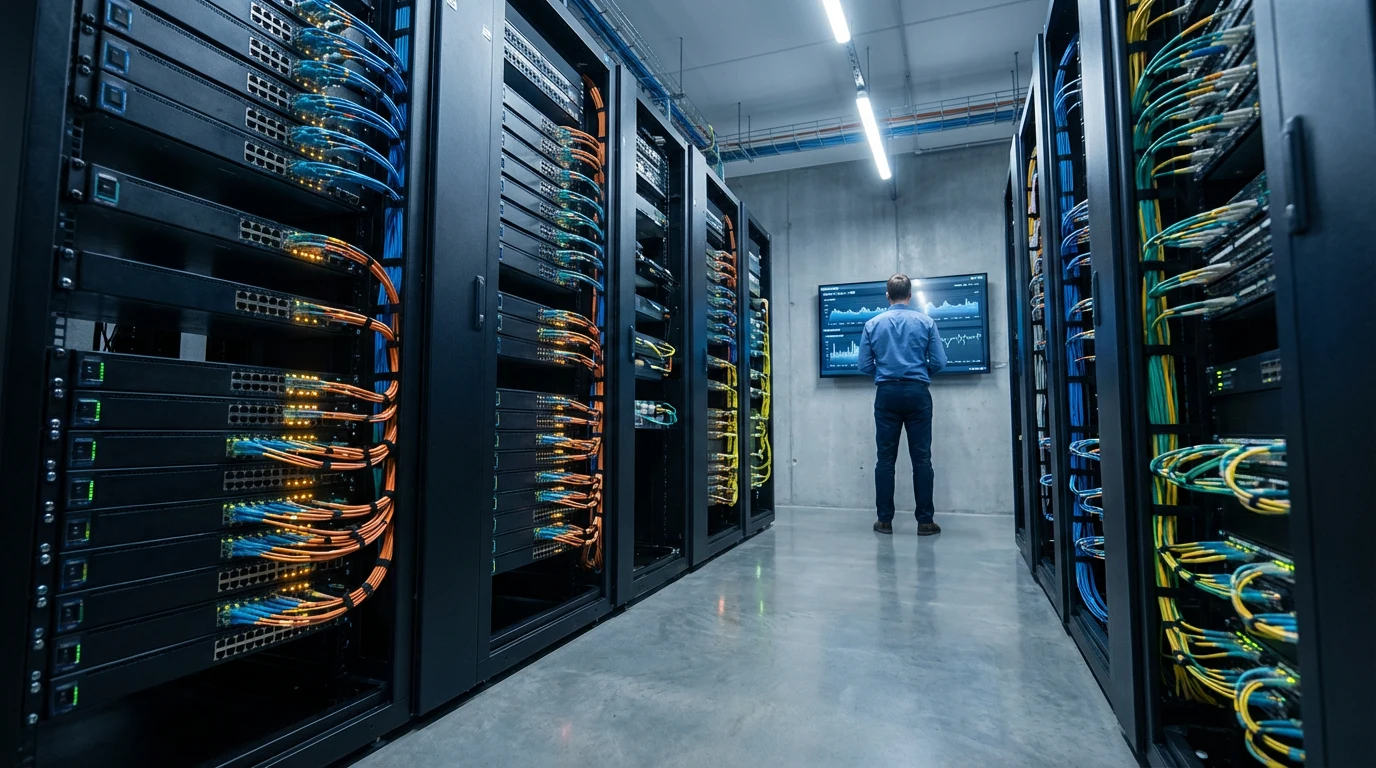
Every high-rise Wi-Fi deployment starts at the same place: where fiber optic cables enter the building. This typically happens in a ground-floor or basement room called the Main Distribution Frame (MDF) or sometimes the “demarc” (demarcation point).
Picture a closet-sized room filled with metal racks, blinking equipment, and bundles of cables. This is the building’s internet “heart.” Internet service providers (ISPs) run their fiber cables from the street into this room, where the building’s internal network takes over.
Fiber Optics: The Speed Secret
Fiber optic cables transmit data using light pulses through glass strands thinner than human hair. Unlike old copper cables, fiber doesn’t lose signal strength over distance and isn’t affected by electrical interference. A single fiber strand can carry terabits of data per second – enough for thousands of simultaneous HD video streams.
Most 2026 high-rises receive fiber connections ranging from 1 Gbps to 100 Gbps, depending on building size and provider. This “pipe” gets divided among all residents, businesses, and common areas. The math matters: a 10 Gbps connection serving 200 units theoretically provides 50 Mbps per unit – before accounting for common areas, security systems, and building operations. Understanding what to look for in a fiber internet contract helps property managers negotiate better terms.
Redundancy: Because Outages Happen
Quality high-rise Wi-Fi deployment includes backup connections. If one ISP has problems, the building automatically switches to another provider. This redundancy costs more but prevents the nightmare scenario of 500 residents simultaneously losing internet during a work-from-home day.
Smart buildings also use battery backup systems (UPS) and generators to keep network equipment running during power outages. Your laptop battery might last a few hours, but the building’s Wi-Fi can stay operational for days if properly designed.
The Vertical Backbone: Getting Signal to Every Floor
Once internet enters the building, it needs to reach every floor. This happens through the “riser” – a vertical shaft running the building’s full height, typically near elevator shafts or stairwells. Inside this shaft, fiber optic cables climb from floor to floor.
On each floor (or every few floors in smaller buildings), cables connect to an Intermediate Distribution Frame (IDF). Think of IDFs as mini versions of the main equipment room. They contain switches that distribute connectivity to that floor’s access points, security cameras, and wired connections.
Why Not Just Use One Big Router?
Here’s a question people often ask: why can’t a powerful router in the basement just blast Wi-Fi to the whole building? The answer involves physics. Wi-Fi signals weaken dramatically as they pass through walls, floors, and ceilings. A signal that’s perfect in the lobby becomes unusable by the third floor.
Concrete floors in particular absorb Wi-Fi energy. Each floor might reduce signal strength by 90% or more. By the time a signal from the basement reached the 20th floor, it would be completely undetectable. That’s why every floor needs its own access points connected by wired backbone.
Mesh Networks vs. Traditional Access Points
Two main approaches exist for floor-level coverage. Traditional access points each connect directly to the wired backbone—reliable but requires extensive cabling. Mesh networks allow access points to communicate wirelessly with each other, reducing cable runs but potentially adding latency.
Most 2026 high-rise Wi-Fi deployments use hybrid approaches. Primary access points connect via cable, while mesh extenders fill coverage gaps in awkward spaces. This balances reliability with flexibility, especially during retrofits of older buildings where running new cables is expensive.
Access Points: Where the Wireless Connection Happens
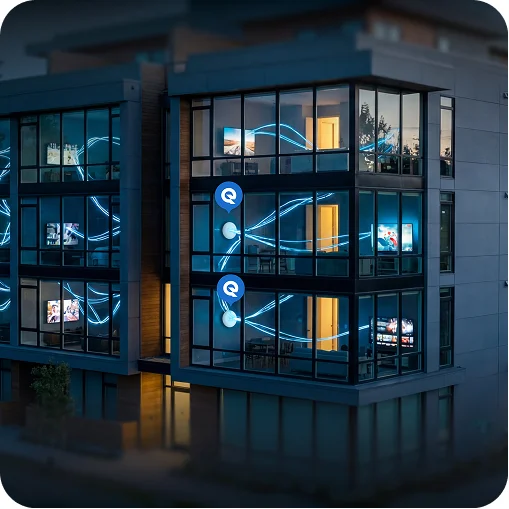
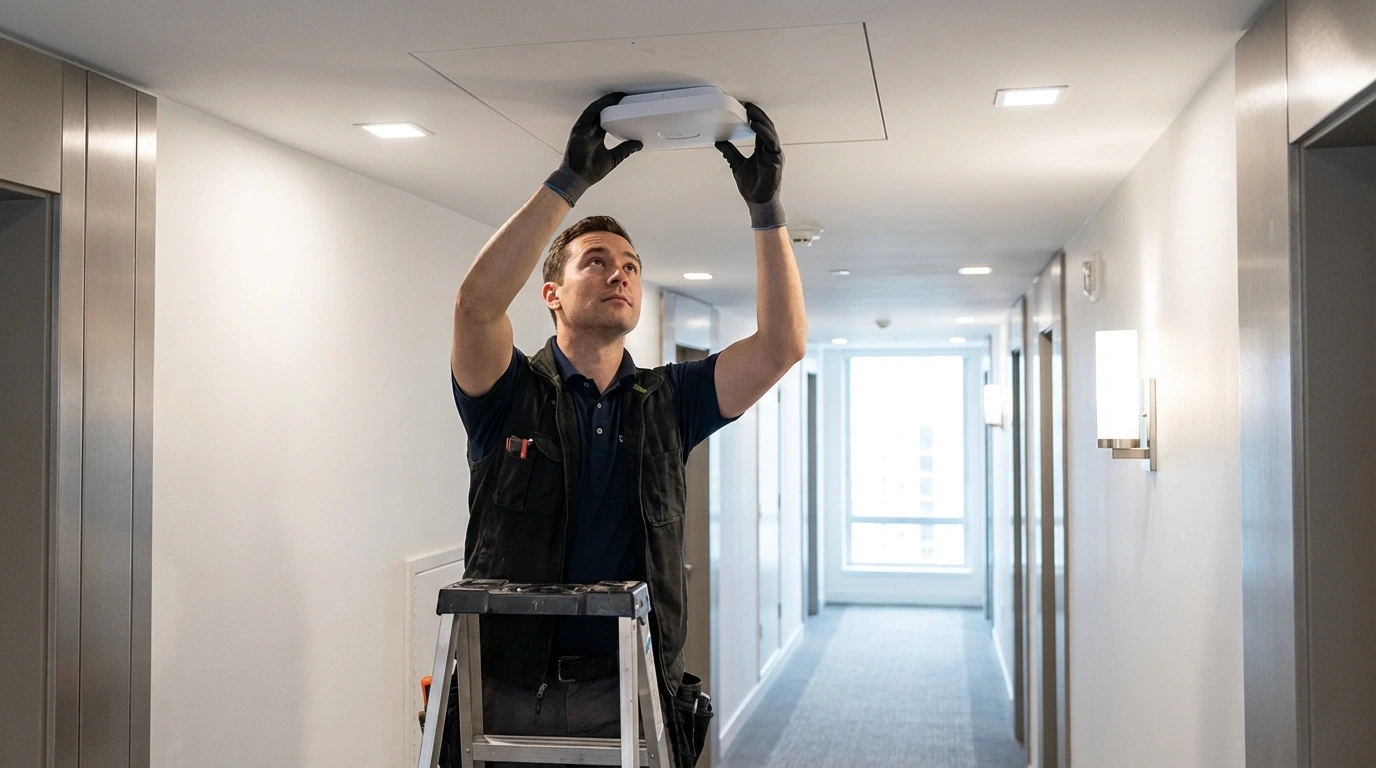
Access points (APs) are the devices that actually create the Wi-Fi networks your phone connects to. In high-rises, these typically mount on hallway ceilings, inside utility closets, or within individual units. Their placement determines whether residents experience fast, reliable connections or frustrating dead zones.
How Many Access Points Does a Building Need?
The answer depends on building layout, construction materials, and expected usage. A rough rule: one commercial-grade access point covers 2,000-3,000 square feet in typical conditions. A 20,000 square foot floor might need 8-12 access points for complete coverage.
But square footage alone doesn’t tell the whole story. Factors that increase AP requirements include:
- Dense walls: Concrete, brick, and metal studs block signals more than drywall
- High user density: Conference rooms, lobbies, and amenity spaces need extra capacity
- Device expectations: Modern households average 15+ connected devices per unit
- Application demands: Video calls, gaming, and 4K streaming need more bandwidth than email
The Wi-Fi 6E and Wi-Fi 7 Advantage
Access points in 2026 high-rises typically support Wi-Fi 6E or the newer Wi-Fi 7 standards. These technologies use the 6 GHz frequency band, which offers more channels and less interference than older 2.4 GHz and 5 GHz bands.
For residents, this means faster speeds and better performance when many people use the network simultaneously. Properties that invest in symmetrical internet for MDUs see particularly strong results, as upload and download speeds match- critical for video conferencing and cloud backups. For building managers, it means fewer access points can serve more users—reducing equipment costs and maintenance complexity.
The Wi-Fi Alliance’s certification program ensures devices meet performance standards, giving building managers confidence when selecting equipment.
Common Challenges and How Engineers Solve Them
Even with proper planning, high-rise Wi-Fi deployment faces ongoing challenges. Understanding these helps residents troubleshoot problems and helps property managers make informed upgrade decisions.
The Elevator Problem
Elevators are metal boxes that block wireless signals almost completely. Providing coverage inside requires either leaky coax cables (special cables that intentionally “leak” signal along their length) or dedicated access points inside each elevator car. Both solutions add cost and complexity.
Many buildings compromise by providing coverage only in elevator lobbies, accepting that passengers will briefly lose connection during rides. Others, especially luxury properties, invest in full elevator coverage as an amenity.
Parking Garage Coverage
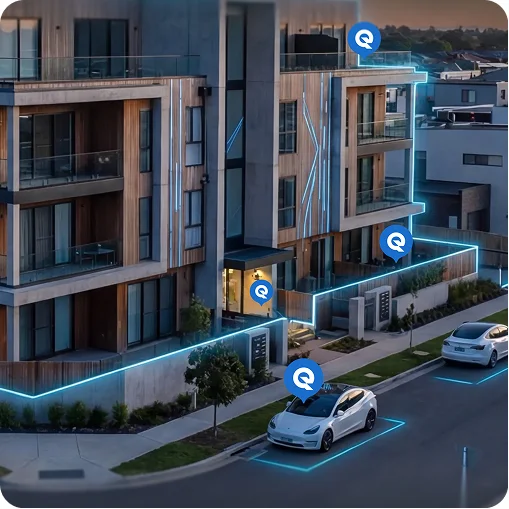
Underground parking structures present similar challenges: concrete construction, metal cars, and sprawling layouts. Coverage here matters for security cameras, access systems, and increasingly for electric vehicle charging networks that need connectivity.
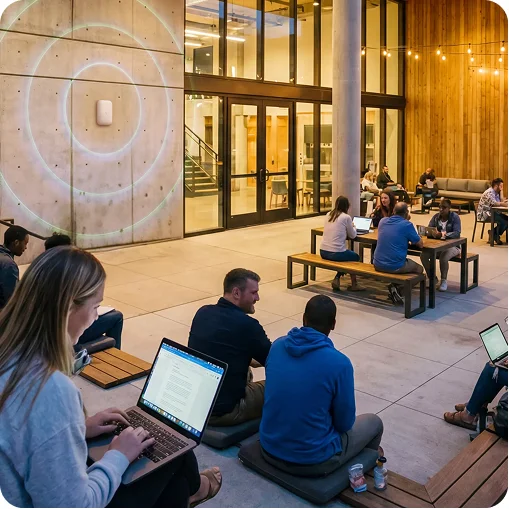
Solutions typically involve running fiber to multiple locations throughout the garage, with ruggedized access points designed for harsh environments. Many properties extend this approach to pool decks and courtyards—our guide to outdoor Wi-Fi for MDUs covers these amenity spaces in detail.
Interference From Neighbors
In dense buildings, dozens of networks might operate within range of any given unit. This creates interference that slows everyone down. Managed building-wide networks solve this by coordinating channel usage and power levels across all access points – something impossible when every resident runs their own router.
What Does High-Rise Wi-Fi Deployment Cost?
Costs vary enormously based on building size, existing infrastructure, and performance requirements. Here’s a general framework:
New construction: $15-30 per square foot for comprehensive coverage, including fiber backbone, access points, and management systems. A 200,000 square foot building might budget $3-6 million for network infrastructure.
Retrofits: Often 30-50% more expensive than new construction due to labor costs for running cables through finished spaces. Some older buildings find creative solutions like using existing cable TV coax for data transmission.
Ongoing costs: Management software, ISP fees, equipment replacement, and support staff typically run $2-5 per unit monthly for managed networks.
These costs often get passed to residents through HOA fees, included in rent, or offered as optional premium services. The economics work because shared infrastructure costs less per user than individual solutions – similar to how building-wide heating systems beat space heaters in every unit.
Conclusion: The Future of Connected Buildings
High-rise Wi-Fi deployment has evolved from luxury amenity to essential infrastructure. The basic principles—fiber backbone, vertical distribution, floor-level access points—remain consistent even as technology advances. Understanding these fundamentals helps you appreciate the engineering behind your daily connectivity.
Key takeaways:
- Fiber optic cables bring internet into the building; wired backbones distribute it vertically
- Access points on each floor convert wired signals to Wi-Fi your devices use
- Building materials, density, and interference create challenges that require professional solutions
- Modern Wi-Fi 6E and Wi-Fi 7 standards dramatically improve performance in dense environments
Next steps: If you’re experiencing connectivity issues in your high-rise, start by asking your building manager about the network infrastructure. Understanding whether problems stem from building systems or your own equipment helps target solutions effectively. For property managers considering upgrades, request a network assessment to identify specific improvement opportunities.