




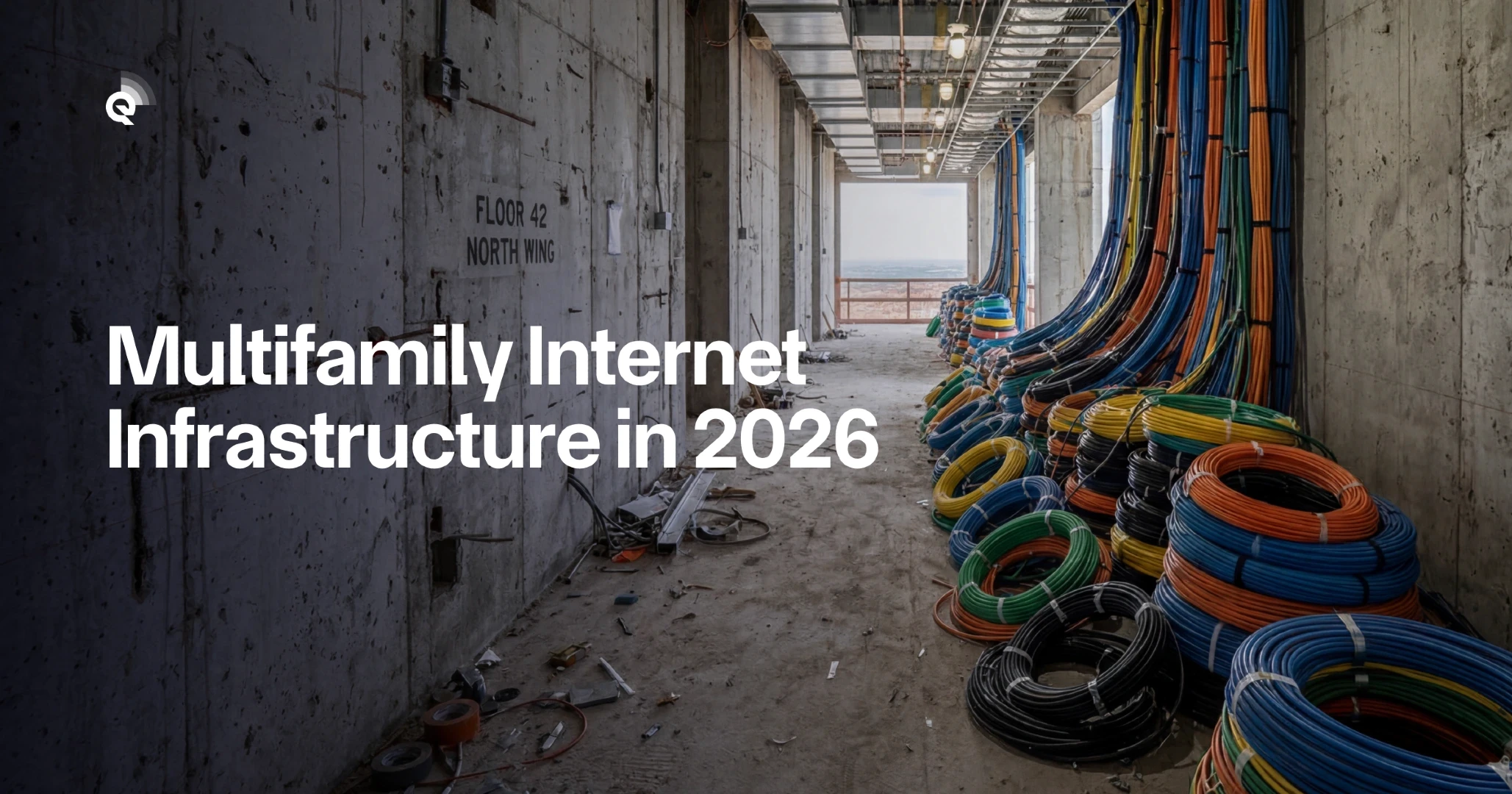
If you manage or serve on the board of a multifamily property, internet infrastructure decisions will land on your desk this year. Resident expectations have shifted – reliable connectivity now ranks alongside water and electricity as a basic utility. Yet most property managers inherit aging wiring, confusing provider contracts, and no clear upgrade path.
This guide helps you evaluate multifamily internet infrastructure options, compare costs, avoid common contract traps, and implement upgrades without disrupting residents. You’ll find decision tables, a provider evaluation checklist, and a phased implementation plan you can adapt to your building.
Who this is for: HOA board members, property managers, and multifamily developers evaluating internet upgrades for buildings with 50–500+ units. If you’re specifically working with homeowner associations, our guide on internet for HOAs provides additional context on resident approval processes.
Quick start: If you need to make a decision this week, skip to the provider comparison table in Section 2. If you’re planning a 2026 budget, start with the cost breakdown in Section 3.
What Counts as Multifamily Internet Infrastructure?
Multifamily internet infrastructure includes every component that delivers connectivity from the street to each unit. Understanding these layers helps you identify where your building’s bottlenecks exist and what upgrades actually solve them.
The Four Infrastructure Layers
Layer 1: Service Entry Point. This is where the provider’s network meets your property—typically a demarcation point in a utility room or basement. Fiber-to-the-building (FTTB) installations require conduit access and space for optical network terminals. Buildings constructed before 2015 often lack adequate entry infrastructure.
Layer 2: Building Distribution. Vertical risers carry cables between floors. Older buildings use coaxial or Cat5 cabling, which limits speeds to 100–300 Mbps. Modern multifamily internet infrastructure uses Cat6A or fiber, supporting 1–10 Gbps per unit. Properties seeking optimal performance should consider symmetrical internet for MDUs, which provides equal upload and download speeds.
Layer 3: Horizontal Distribution. Cables run from floor distribution points to individual units. This layer often requires the most renovation work, especially in buildings with concrete walls or limited ceiling access.
Layer 4: In-Unit Equipment. Routers, access points, and resident-facing hardware. Bulk internet agreements often include managed WiFi equipment, while retail arrangements leave this to residents.
Infrastructure Assessment Checklist
Before contacting providers, document your current state:
- Age and type of existing cabling (coax, Cat5, Cat5e, Cat6, fiber)
- Location and capacity of main distribution frame (MDF)
- Conduit availability for new cable runs
- Current provider contracts and expiration dates
- Resident complaint patterns (speed, reliability, coverage)
- Building access constraints (historic designation, HOA rules)
According to the FCC’s broadband deployment guidelines, buildings should plan for minimum 100 Mbps symmetric speeds per unit to meet current household demand, with infrastructure capable of scaling to 1 Gbps.
When Infrastructure Upgrades Make Sense
Not every building needs a full infrastructure overhaul. Upgrade when: existing cabling limits speeds below 300 Mbps, resident complaints exceed 5% monthly, or your current provider contract expires within 18 months. Delay if your building has fewer than 50 units and existing infrastructure supports 500+ Mbps – the ROI timeline extends beyond 7 years in these cases.
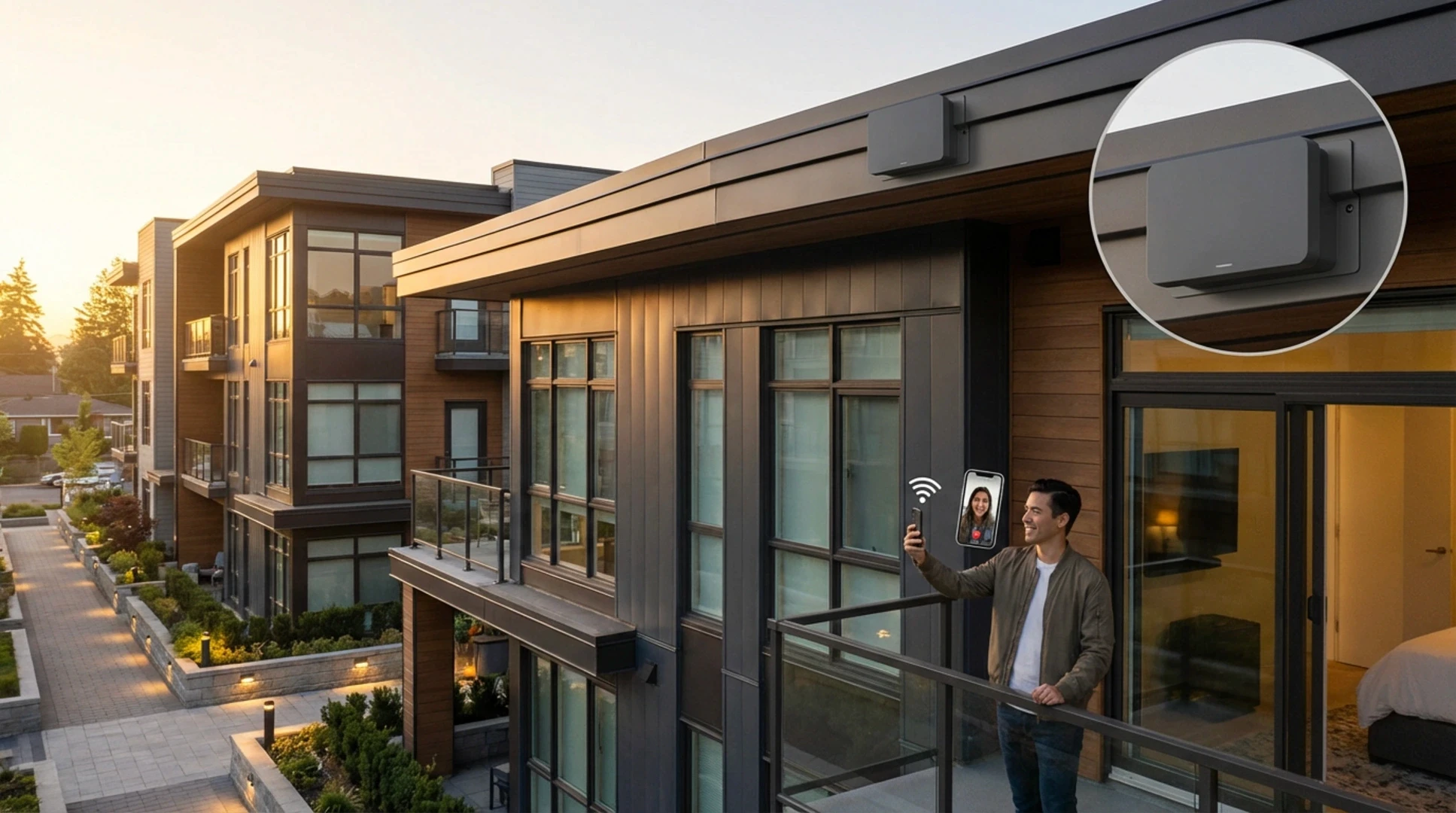
How Do You Compare Multifamily Internet Providers?
Provider selection determines your residents’ experience for 5–10 years. The wrong choice locks you into outdated technology or unfavorable terms. Use this framework to evaluate options systematically.
Provider Comparison Table
| Factor | Fiber (FTTP) | Cable/HFC | Fixed Wireless |
|---|---|---|---|
| Max Speed per Unit | 1–10 Gbps | 500 Mbps–1.2 Gbps | 100–500 Mbps |
| Typical Installation Cost | $500–1,500/unit | $100–300/unit | $200–400/unit |
| Installation Timeline | 3–9 months | 1–3 months | 2–6 weeks |
| Contract Length | 7–15 years | 5–10 years | 3–5 years |
| Best For | New construction, major renovations | Existing buildings with coax | Rural, historic buildings |
Five Questions to Ask Every Provider
1. What infrastructure do you install, and who owns it? Some providers install fiber but retain ownership, limiting your future options. Others transfer ownership to the property after the contract term.
2. What are the SLA guarantees? Look for uptime commitments (99.9% minimum), response time for outages (4 hours or less), and speed guarantees (not “up to” language).
3. What happens when the contract ends? Review exit clauses, infrastructure removal policies, and renewal terms. Avoid contracts that require infrastructure removal at your expense. Understanding the nuances of a fiber internet contract before signing can save you significant costs down the road.
4. How do you handle resident support? Determine whether support is 24/7, whether on-site technicians are available, and what the average resolution time is for common issues.
5. What’s the upgrade path? Technology changes. Ensure the contract allows speed upgrades without full renegotiation and that installed infrastructure supports future standards.
Red Flags in Provider Contracts
Walk away from providers who: require exclusive access agreements that block competitors, include automatic renewal clauses exceeding 2 years, charge residents directly without transparent bulk pricing, or refuse to provide reference contacts from similar properties.

What Does Multifamily Internet Infrastructure Actually Cost?
Infrastructure costs vary dramatically based on building age, size, and existing conditions. These estimates assume a 100-unit mid-rise building constructed between 1990–2010 with existing coaxial cabling.
Cost Breakdown by Category
Assessment and Planning: $3,000–8,000. Includes site survey, infrastructure audit, and engineering review. Larger buildings or those with complex layouts trend higher.
Fiber Installation (Full FTTP): $50,000–150,000. This covers conduit installation, vertical risers, horizontal runs, and in-unit terminations. Buildings requiring extensive drywall work or fire-stopping fall at the higher end.
Equipment (Managed WiFi): $15,000–40,000. Includes access points, switches, and management software. Per-unit costs range from $150–400 depending on coverage requirements.
Ongoing Management: $5–15/unit/month. Covers monitoring, support, and equipment replacement. This is often bundled into bulk service agreements.
Funding Options for Infrastructure Upgrades
Most properties don’t pay full infrastructure costs upfront. Common approaches include:
- Provider-funded installation: The provider covers infrastructure costs in exchange for longer contract terms (10–15 years) and exclusive access.
- Capital reserve allocation: HOAs fund upgrades from reserves, maintaining infrastructure ownership and provider flexibility.
- Special assessment: One-time owner assessments of $500–2,000/unit for major upgrades, typically for condo associations.
- Revenue sharing: Provider installs infrastructure and shares a percentage of monthly revenue with the property (typically 5–15%).
Hidden Costs to Budget For
Infrastructure projects frequently exceed initial estimates. Budget an additional 15–20% for: permit fees and inspections, asbestos or lead paint remediation in older buildings, temporary resident accommodations during installation, and post-installation repairs to walls and ceilings.
Properties planning 2026 upgrades should also account for material cost increases. According to industry data, fiber optic cable prices have risen 12% since 2024 due to supply chain constraints. Property managers overseeing multiple buildings face additional complexity when managing multiple ISPs across apartment portfolios.
How Do You Implement Multifamily Internet Infrastructure Without Disrupting Residents?
Poor implementation planning causes more resident complaints than the construction itself. This phased approach minimizes disruption while keeping projects on schedule.
Phase 1: Pre-Construction (Weeks 1–4)
Week 1–2: Finalize provider contract and obtain necessary permits. Schedule a pre-construction meeting with the provider’s project manager to review access requirements, work hours, and communication protocols.
Week 3: Send resident notification with project timeline, expected disruptions, and contact information for questions. Provide at least 14 days’ notice before any in-unit work begins.
Week 4: Complete common area preparation. Clear access to utility rooms, risers, and distribution points. Coordinate with building maintenance on any pre-work requirements.
Phase 2: Infrastructure Installation (Weeks 5–12)
Common areas first: Install main distribution frame, vertical risers, and floor distribution points before entering units. This allows testing of core infrastructure before resident impact.
Unit-by-unit scheduling: Offer residents 3–4 appointment windows per week. Each unit typically requires 2–4 hours for fiber termination and equipment installation. Provide 48-hour reminders via text and email.
Quality checkpoints: Test each floor’s infrastructure before proceeding to the next. Document any issues and resolution steps for future reference.
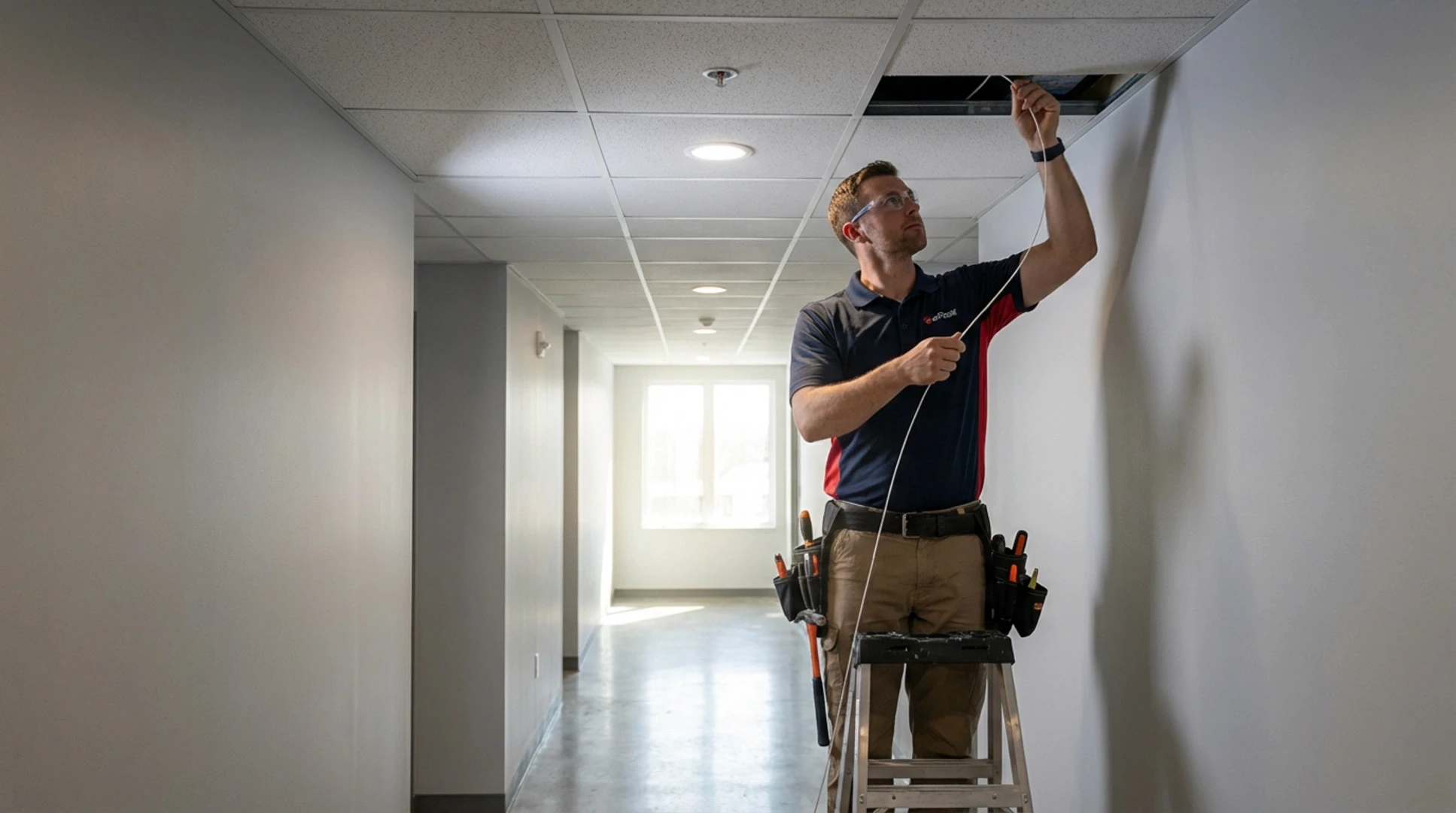
Phase 3: Activation and Support (Weeks 13–16)
Staged activation: Bring units online floor-by-floor rather than building-wide. This allows support staff to address issues before they multiply.
Resident onboarding: Provide written instructions for equipment setup, WiFi network names, and support contact information. Consider hosting optional “tech support hours” in a common area during the first two weeks.
30-day review: Survey residents on connectivity experience. Address any coverage gaps or speed issues before the provider’s warranty period expires.
Communication Templates
Effective resident communication prevents complaints. Use these templates:
Initial announcement (14+ days before): “We’re upgrading our building’s internet infrastructure to provide faster, more reliable connectivity. Work begins [date] and will take approximately [X] weeks. You’ll receive a separate notice before any work in your unit.”
Unit access request (7 days before): “A technician will need access to your unit on [date] between [time range] to complete internet infrastructure installation. This typically takes 2–3 hours. Please confirm this works or request an alternative time.”
Your Next Steps
Multifamily internet infrastructure decisions made this year will affect your property for the next decade. Start with assessment, move deliberately through provider selection, and plan implementation around resident experience – not just technical requirements.
This week: Complete the infrastructure assessment checklist from Section 1. Document your current cabling, contract expiration dates, and resident complaint patterns.
This month: Request proposals from 3–4 providers using the comparison framework in Section 2. Schedule site visits and reference calls with similar properties. Be sure to review our guide on bulk apartment Wi-Fi for additional evaluation criteria specific to managed wireless solutions.
This quarter: Present options to your board or ownership with cost projections from Section 3. Include funding recommendations and timeline expectations.
The buildings that invest in proper multifamily internet infrastructure now will command higher rents, lower vacancy rates, and fewer resident complaints for years to come. The buildings that delay will face increasingly expensive catch-up projects as resident expectations continue rising.
References
- FCC Broadband Deployment Guidelines
- National Multifamily Housing Council, Technology Survey 2025
- Fiber Broadband Association, MDU Installation Standards