




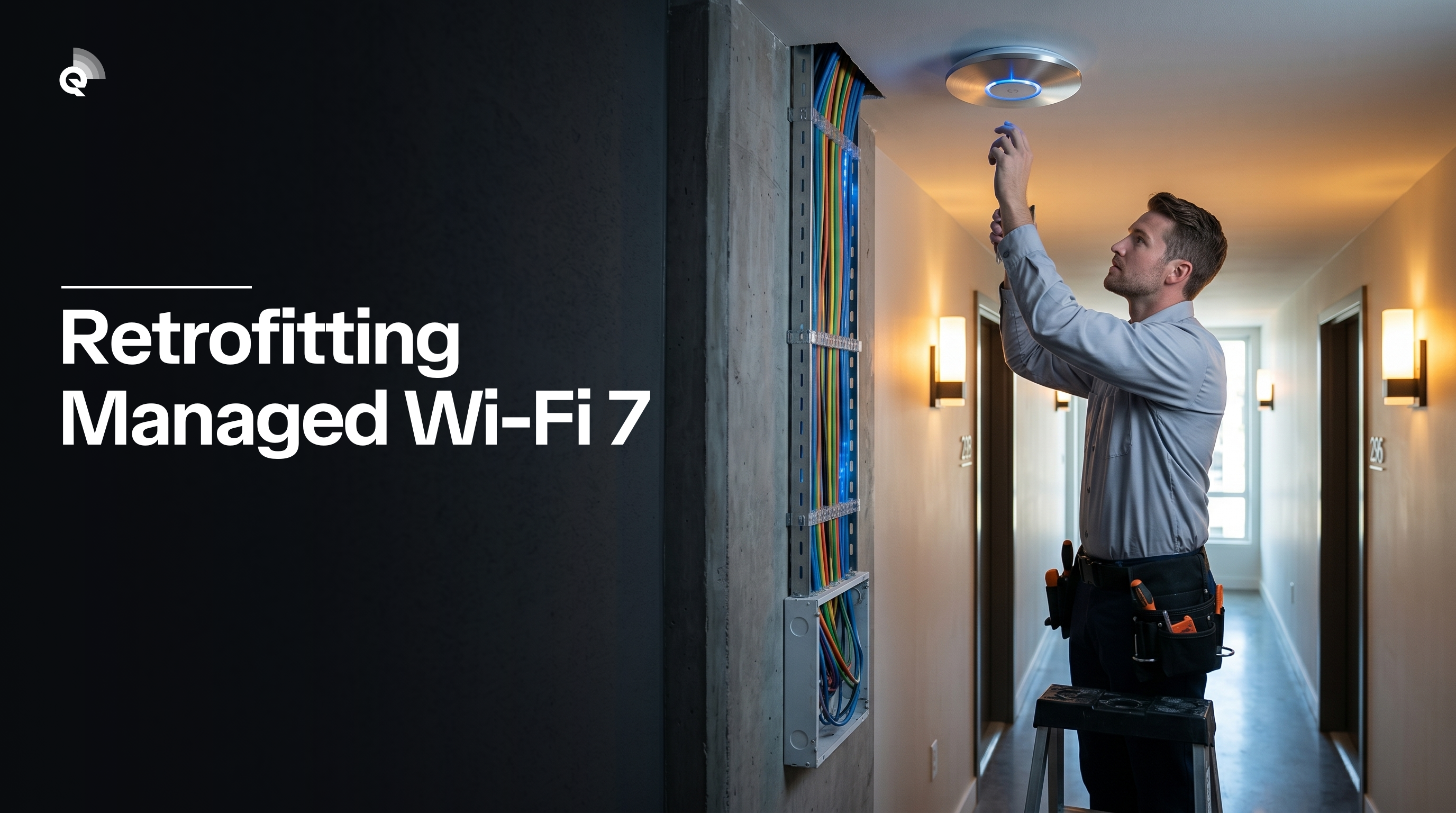
Most property managers who’ve dealt with internet complaints assume the fix is straightforward: upgrade the plan, maybe add a router or two, and move on. Deploying a managed Wi-Fi 7 network into an existing multifamily building is a different kind of project. The building is occupied. The walls are already up. The conduit runs where it runs. And residents expect the lights to stay on while you work.
We at Quantum Wi-Fi have run this process across hundreds of buildings, from mid-rise concrete towers in New York and Philadelphia to garden-style communities in South Florida. The technical variables change building to building. The sequence of decisions does not. This is a guide to what that process actually looks like, from the first site walk to the day the last unit goes live.
The Building Has Already Made Decisions For You
In a new construction project, the network gets designed before the drywall. In a retrofit, the building has already made most of the decisions. Your job is to work within them.
The first thing that matters is construction type. Concrete and masonry buildings, common in dense urban markets like New York, Philadelphia, and Miami, absorb radio frequency energy in ways that wood-frame suburban builds do not. A concrete wall can cut signal strength by 10 to 15 decibels, meaning the signal arriving on the other side carries roughly one-tenth to one-thirtieth the power it started with. Add two or three walls between an access point and a device in a back bedroom, and what arrives is a fraction of what left the antenna. Better hardware alone won’t fix this. It’s a placement problem, and placement gets decided during the site survey. In Miami, older concrete construction combined with high unit density makes AP placement more consequential than almost any other variable, something we account for on every South Florida deployment we run.
The second factor is existing infrastructure: conduit, cable trays, riser shafts, and the electrical closets on each floor. In many buildings constructed before 2000, the structured cabling was designed for telephone and cable TV, not Ethernet. Cat 5e is common. Cat 6 is less so. In some older buildings, coaxial is the only thing running to each unit. What’s already in the walls determines how much new cabling has to be pulled, and pulling cable in an occupied building is the single biggest driver of project complexity.
The third factor is the main electrical room and internet demarcation point. Managed Wi-Fi 7 runs on fiber backhaul. If the building currently connects to the internet through a cable modem in a utility closet, that connection has to be replaced or supplemented before anything else happens.
Step One: The RF and Infrastructure Survey
No reputable deployment starts without a physical survey. This is not a five-minute walkthrough. A proper survey of a 200-unit building can take the better part of a day.
The survey team maps two things at once. First, the radio frequency environment: where existing Wi-Fi signals are, what channels they’re on, how much interference is present from neighboring networks. In a dense urban building, you might find 40 or 50 SSIDs visible from a single hallway. That congestion is part of what the new network has to be designed around.
Second, the physical infrastructure: every electrical closet, every conduit run, every riser, the ceiling construction in common areas, unit layouts floor by floor. The survey produces a heat map of the building and a cabling assessment. Together they determine access point placement.
Access point count is one of the decisions that surprises operators most. Wi-Fi 7 hardware covers a meaningful area per unit, and a well-placed AP in a corridor can serve multiple units on both sides. But in a building with thick concrete walls and irregular floor plans, you may need more coverage points than the spec sheet suggests. The survey tells you that. Assumptions do not.
Step Two: Backhaul First
Before a single access point goes on a wall, the fiber backbone has to be in place. In an existing building, this typically means running fiber from the demarcation point through the riser to intermediate distribution frames (IDFs) on each floor. Those IDFs house the switches that feed the APs.
This is where occupied-building logistics get real. Pulling fiber through a riser in a building where people are home requires coordination with building management, advance notice to residents on affected floors, and careful scheduling around elevator access. In a phased deployment, you might bring up two or three floors at a time, verify the backhaul on each floor before moving to the next, then begin AP installation once the cabling passes testing.
The fiber runs get tested for continuity and insertion loss before anything connects to them. A bad splice in a riser that serves six floors is a problem you want to find during commissioning, not at 11pm on a Tuesday when residents start calling.
Step Three: Access Point Placement and Installation
Wi-Fi 7 operates across three frequency bands: 2.4 GHz, 5 GHz, and 6 GHz. Each behaves differently in a building. The 2.4 GHz band travels farthest and penetrates walls better, but it’s the most congested. The 6 GHz band carries the most capacity and has the cleanest spectrum, but it attenuates faster through building materials. A well-configured Wi-Fi 7 deployment uses all three bands together, steering devices to the band that serves them best at any given moment.
Access points in a residential retrofit typically go in corridors, sometimes in units themselves depending on the floor plan. Corridor placement is preferred because it avoids needing access to occupied units during installation. Where units require an AP inside, that work gets scheduled with the resident, usually with 48 hours notice and a short installation window.
Each AP connects back to the floor IDF via the cabling pulled in the previous phase. Once physically installed, APs are provisioned through a central management platform. This is where managed Wi-Fi differs from a collection of consumer routers: every AP on the property operates as part of a single coordinated network. Channel assignments, transmit power, and client steering are managed centrally, not left to each device to sort out on its own.
Across our Lynd Living portfolio, spanning roughly 34 cities, the buildings that go live cleanest are the ones where floor-by-floor backhaul was verified before AP installation started. Skipping that sequencing to save a day or two up front consistently creates rework.
Step Four: Per-Unit Segmentation and Resident Activation
Managed Wi-Fi in a multifamily building is not a shared network in the way a coffee shop Wi-Fi is shared. Each unit gets its own network segment. A resident in unit 4B cannot see traffic from unit 4C. This is enforced at the switch and AP level, not by asking residents to configure anything.
Resident activation in a well-built system requires no truck roll. A resident enters their unit number and a credential, and the network recognizes them. From that point their devices are on their segment. If they upgrade to a higher speed tier, that change happens in the management platform, not by sending anyone to the unit.
For property managers, this is where the operational difference becomes concrete. Support calls about Wi-Fi don’t go to the property office. They go to the network operator’s NOC. Property staff aren’t diagnosing router issues or resetting modems.
What the Timeline Actually Looks Like
A straightforward retrofit of a 100 to 150 unit mid-rise, with accessible risers and existing Cat 6 cabling, can move from survey to full activation in four to six weeks. A building with concrete construction, limited riser access, and cabling that needs to be fully replaced will run eight to twelve weeks. Larger buildings or phased deployments scale accordingly.
The phases break down roughly as follows. Survey and design: one to two weeks. Fiber and backhaul installation: one to three weeks depending on building complexity. AP installation and provisioning: one to two weeks. Resident activation is rolling, beginning as each floor goes live.
The Long-Term Case
A retrofit is disruptive in the short term. That’s the honest answer. Occupied buildings require coordination that new construction does not.
The long-term picture is different. A managed Wi-Fi 7 network on fiber backhaul does not degrade the way consumer hardware does. There are no routers aging out in individual units, no residents calling to complain that their personal equipment failed. The network operator monitors the infrastructure continuously and can address issues before residents notice them. When a new Wi-Fi standard eventually matters, the fiber backbone stays. The APs get updated.
For the property, the connectivity infrastructure becomes a controlled asset rather than an unmanaged variable. Resident complaints about internet drop. Lease renewals hold better among residents who consider connectivity a deciding factor, and that number has grown every year for the past decade. The property captures revenue from premium speed tiers rather than handing that relationship to a retail ISP.
The retrofit is the hard part. Once it’s done, the network runs.