

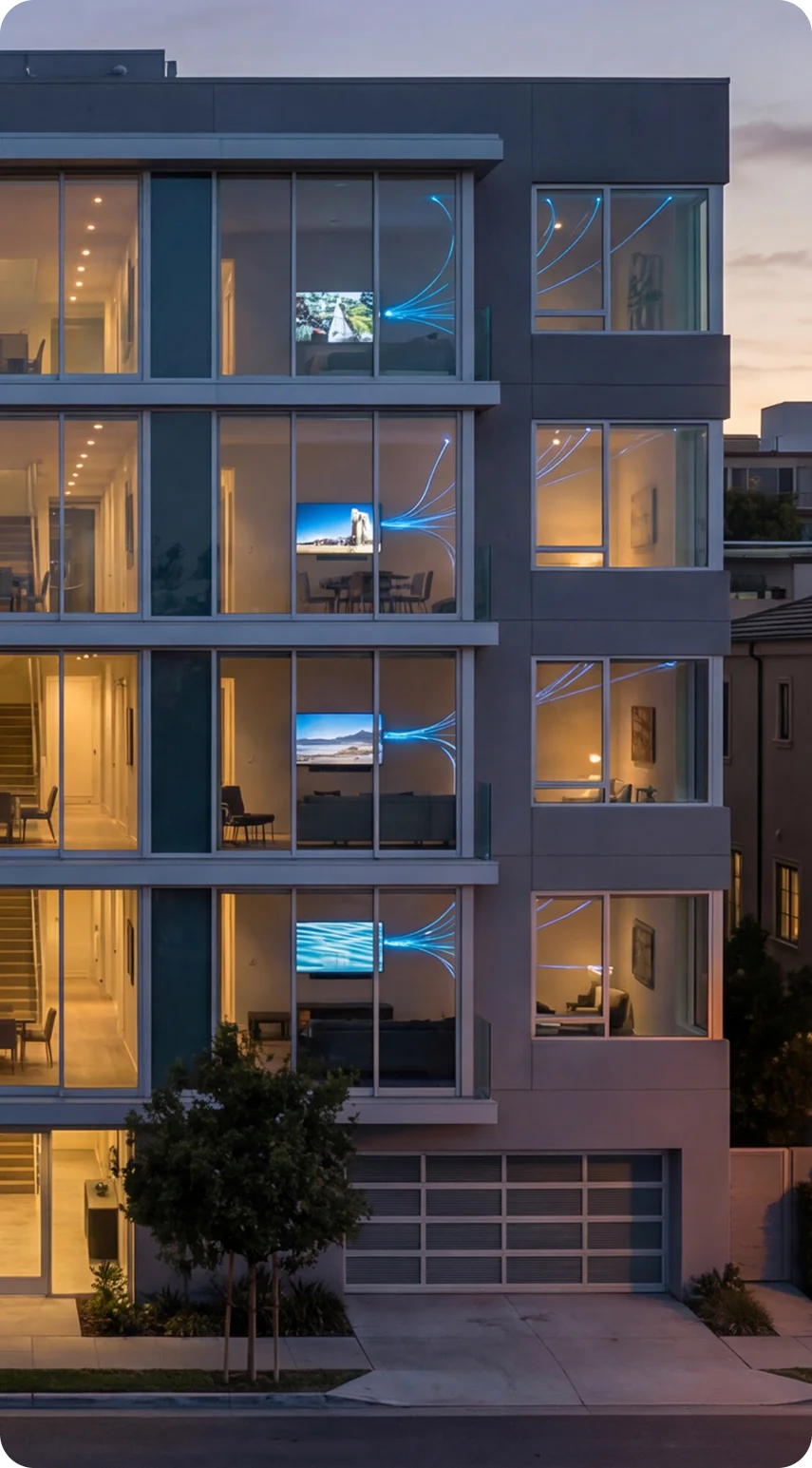


In modern MDUs, internet access has quietly joined water, power, and climate control as a basic utility. Residents expect fast, reliable Wi-Fi everywhere: in their bedroom, in the lobby, in the fitness center, and by the pool. When they hit dead zones or unstable connections, they don’t blame “the internet” in general. They blame the building.
The frustrating part is that many of these issues are not caused by the service provider. They’re the result of how Wi-Fi is planned and deployed on the property. Too many communities still treat Wi-Fi like an afterthought, not as critical infrastructure.
For HOAs, developers, and multifamily owners, that mindset no longer works. To support remote work, streaming, smart home devices, and security systems at scale, Wi-Fi has to be engineered, not improvised.
The Hidden Cost of “Just Put a Router There”
Walk into a typical apartment or condo community and you’ll usually see one of two approaches to Wi-Fi.
In one scenario, a resident has a single router sitting on a shelf in the corner of their unit, expected to cover 1,200–1,500 square feet through concrete, glass, mirrors, and pipes. In another, you’ll find a trail of random extenders or mesh nodes plugged into outlets wherever someone felt the signal might need a boost.
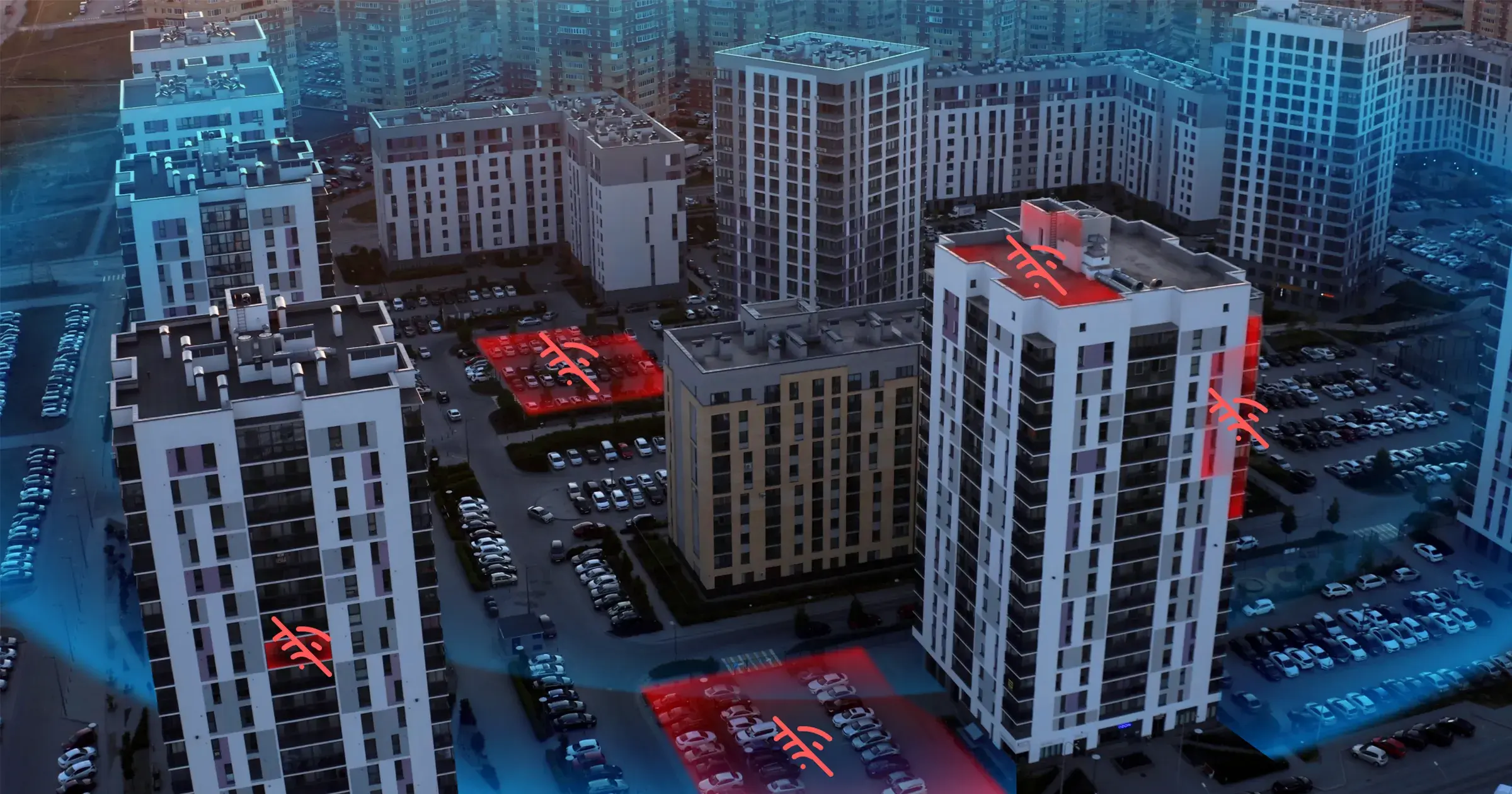
In a dense MDU, this creates a mess. Dozens or hundreds of consumer routers shout over each other on overlapping channels. Signals bounce around concrete and steel. Devices struggle to roam from one area to another without dropping. Add smart TVs, thermostats, cameras, game consoles, and voice assistants, and the network starts to choke under the weight of its own noise.
Residents experience this as buffering, lag, and “Why does my Wi-Fi die every time I walk into the bedroom?” For management teams, it shows up as tickets, complaints, and bad reviews, even when the property technically delivers “internet” to each door.
Engineered MDU Wi-Fi: Treat It Like Electrical or Plumbing
Today’s MDUs need Wi-Fi designed with the same discipline as electrical or plumbing systems. That means starting from a blueprint, not guesswork.
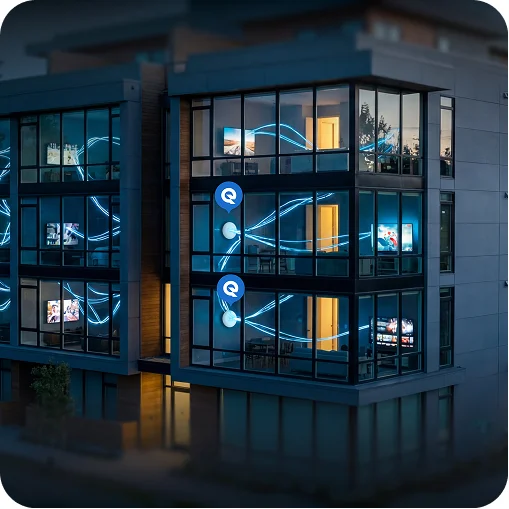
An engineered MDU Wi-Fi design begins with understanding the building. Square footage, floor layouts, wall materials, elevator shafts, and amenity spaces all influence how wireless signals travel. From there, a proper design model uses predictive heatmaps and site surveys to place access points where they are actually needed, not just where an outlet happens to exist.
Instead of one overworked router per apartment, every 900–1,200 square feet of coverage gets its own dedicated, professionally mounted access point, often in the ceiling or as an in-wall unit. These access points are fed by structured cabling and powered through centralized PoE switches in structured panels, keeping the signal source clean and consistent.
The final layer is interference management. Neighboring access points are tuned to operate on coordinated channels at calibrated power levels, so they complement each other instead of clashing. In a condo or apartment environment, this is what turns a noisy radio jungle into a well-orchestrated network.
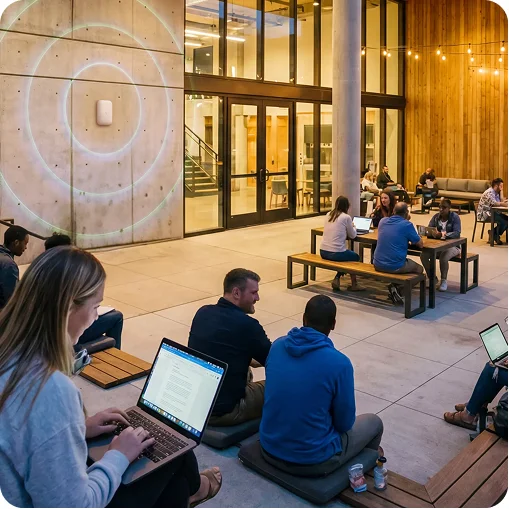
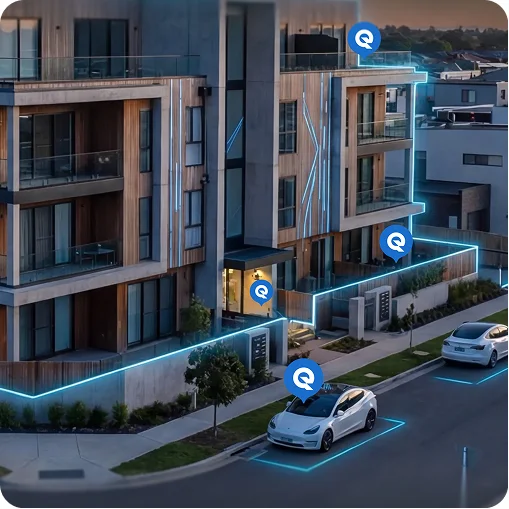
The result is a property-wide Wi-Fi system that delivers seamless coverage from the parking garage to the rooftop, without the constant dropouts and dead spots residents have come to expect.
Beyond “No Dead Zones”: Performance That Matches Modern Living
Coverage is only the first half of the story. Modern residents don’t just want every corner covered. They want performance that holds up when the building is busy.
A properly engineered MDU internet setup takes into account the number of devices per unit, peak usage times, and the types of traffic that matter most. Work video calls, 4K streaming, cloud gaming, smart building systems, and IoT all share the same airspace. Without deliberate planning, one heavy user or a cluster of smart devices can easily drag down everyone else.
New standards like Wi-Fi 6E and Wi-Fi 7 unlock powerful features such as multi-link operation, improved latency, and smarter quality of service. But those advantages only appear when the wireless layer is backed by serious wired infrastructure: multi-gigabit fiber uplinks, 10-gig Ethernet backbones, and PoE switches sized for real-world load.
On top of that, network segmentation becomes critical. By separating resident devices, guest networks, and IoT systems into different VLANs, you give each type of traffic its own “lane.” Smart locks and thermostats can do their job without stepping on a resident’s video call. Guests can get quick access without touching private devices. Property management tools and security systems can operate on a dedicated, protected path.
When all of this comes together, residents stop thinking about whether their Wi-Fi can handle what they want to do. It just works, even when the building is full and every device is online.
Key Design Principles for HOAs and Multifamily Developers
For HOAs and multifamily developers planning internet and Wi-Fi for a new community or a major retrofit, a few core principles make the difference between constant frustration and a quiet, reliable system.
Coverage planning comes first. Before any hardware is ordered, the building should be modeled using professional survey tools to predict signal behavior. Concrete, brick, glass, metal infrastructure, and even large appliances can impact wireless performance. Simulating this upfront gives you a clear plan instead of trial and error once residents move in.
Aesthetic integration matters more than most people admit. Ceiling-mounted access points, discreet wall-plate units, and structured cabling allow you to hide the infrastructure in plain sight. Instead of blinking plastic boxes on nightstands and kitchen counters, you get a clean, cohesive presentation that matches the level of finish in the rest of the property.
Redundancy is not just for data centers. Critical areas such as leasing offices, security rooms, gates, and access control systems benefit from dual backhaul paths or cellular/5G failover. If a primary connection fails, those systems must stay online.
Centralized management is the operational backbone. A cloud controller or centralized management platform lets your provider push firmware updates, monitor usage, and troubleshoot issues without rolling a truck for every hiccup. This is how you maintain a high standard of service across dozens or hundreds of units without overwhelming onsite staff.
Finally, resident visibility builds trust. A branded portal or app that shows current speed, uptime status, and a clear channel for support reassures residents that their service is monitored and accountable. In an age where everyone relies on connectivity, transparency is part of the amenity.
Community-Wide Wi-Fi: Why HOAs and Owners Should Care
For HOAs, boards, and multifamily owners, investing in whole-building MDU Wi-Fi is about more than signal strength. It is a strategic decision that touches leasing, resale values, and operating costs.
Communities that can confidently advertise property-wide Wi-Fi built on the latest standards stand out in competitive markets. Phrases like “managed MDU Wi-Fi,” “multi-gig fiber backbone,” or “Wi-Fi 6E / Wi-Fi 7 across the property” might sound technical, but residents interpret them in simple terms: fewer headaches, better streaming, and a smoother daily experience. That translates into stronger demand, higher perceived value, and lower turnover.
Controlling Wi-Fi infrastructure at the community level also changes the economics. Instead of every resident signing individual contracts with different ISPs and deploying random hardware, the HOA or ownership group can treat connectivity as a shared asset. Bulk bandwidth agreements, standardized performance expectations, and coordinated upgrades replace the chaos of unit-by-unit decision making.
With the right model, managed MDU Wi-Fi also reduces support noise. When the infrastructure is centralized and professionally monitored, residents have a clear path for technical help. Property management teams field fewer Wi-Fi complaints and spend less time acting as unofficial tech support.
Wi-Fi as the Digital Plumbing of the Building
Over the next decade, the role of Wi-Fi in MDUs will only grow. It will not be limited to streaming and web browsing. It will quietly support everything from energy management and smart metering to security, telemedicine, and aging-in-place technologies.
Communities that approach MDU Wi-Fi as foundational infrastructure today will be in a far stronger position as these services mature. They will already have the structured cabling, access point density, segmentation, and monitoring in place to support new applications without tearing open walls or disrupting residents.
In the digital home, raw speed is no longer the measure of success. The real standard is whether residents can move through their day without ever thinking about their connection. That level of stability, coverage, and intelligence does not happen by accident. It is designed, built, and managed deliberately.
For HOAs and multifamily owners, that is the opportunity: to turn Wi-Fi from a recurring pain point into a quiet, reliable amenity that reinforces the quality of the community every single day.
If you’re responsible for an MDU, HOA, or growing multifamily portfolio and you’re tired of dealing with Wi-Fi complaints, you don’t have to untangle it alone. Reach out to the team at Quantum Wi-Fi and tell us a bit about your property. We’ll review your setup, map out a managed MDU Wi-Fi design that fits your building and budget, and help you get from “constant dead zones” to “it just works” a lot faster than you think.
Have questions, need a sanity check, or want to explore bulk internet economics for your community?