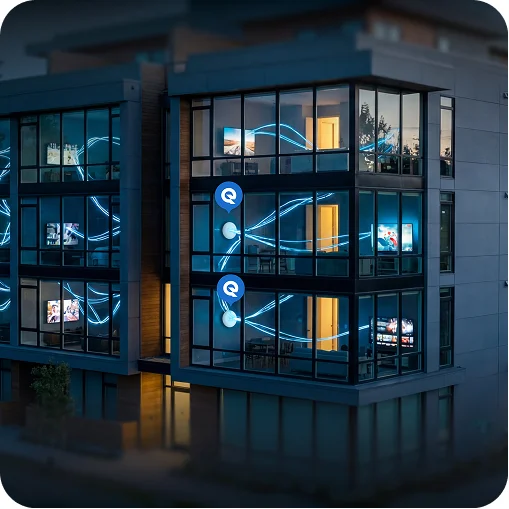
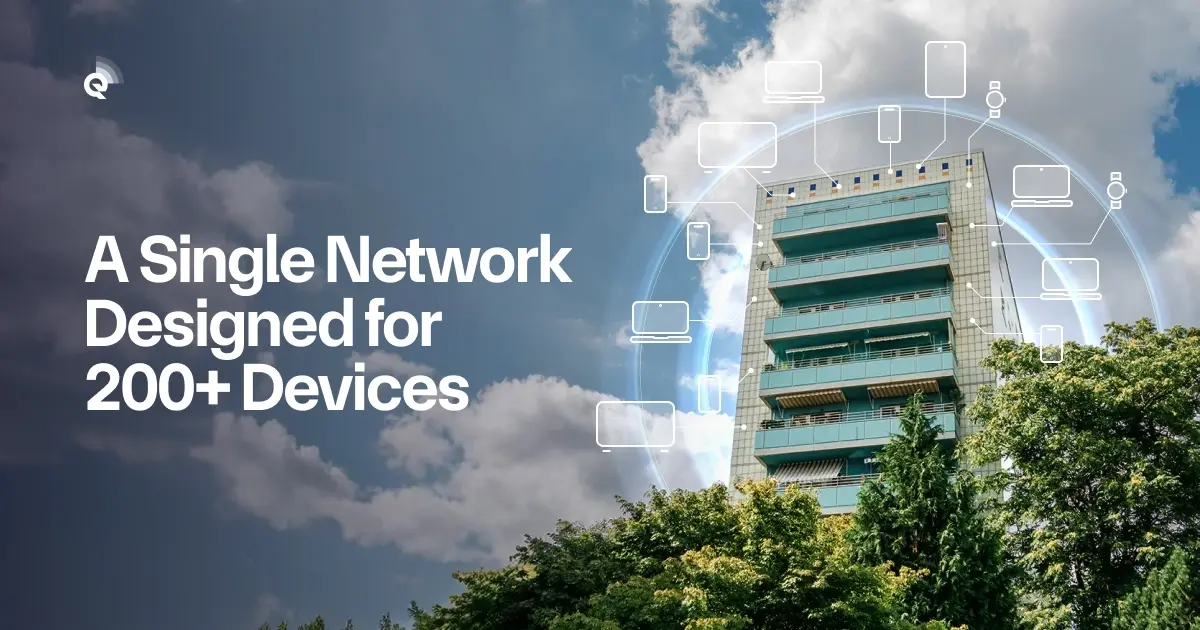
Walk down the hallway of any modern apartment block and you’ll notice a common theme: everyone is connected. Tenants aren’t just moving in with a laptop and a phone – they’re bringing smart TVs, voice assistants, streaming sticks, gaming consoles, security cameras and more. As of 2023, the average U.S. household owns around 21 connected devices. Multiply that across a 10‑unit building and your network is suddenly juggling well over 200 wireless devices. No wonder residents complain about buffering during a movie night or choppy audio on a work call. For MDU operators, poor Wi‑Fi isn’t just a nuisance; it’s a barrier to leasing and a drain on your team’s time.
If you’re a property manager or owner, you may have felt this pain. Residents expect Wi‑Fi to be as reliable as running water – active the moment they move in, available in every corner of the building and backed by a real support team. But conventional apartment‑by‑apartment contracts leave you with dozens of consumer‑grade routers competing for airspace. Dead zones crop up in hallways, interference from neighbours kills speed, and every service call becomes your headache.
Managed, property‑wide Wi‑Fi turns that chaos into a selling point. Here’s how we design networks to handle the dense device environments that have become the new normal.
Why One Router Per Unit Doesn’t Cut It
Think about your own internet usage: streaming movies, Zoom meetings, online gaming, smart thermostats and security cameras. Each of these applications has different bandwidth needs. Industry research defines a space as high‑density when more than 30 clients connect to a single access point (AP). In many MDUs, those numbers are surpassed quickly, especially when guests join the network.
Traditional coverage‑first design asks, “How do I get a signal everywhere?” In dense environments, the right question is, “How much bandwidth does each user need, and how many APs does it take to deliver it?” Best‑practice guidance stresses that planning must account for the number of devices, what residents will be doing (streaming, gaming, video calls) and how much bandwidth each application consumes. For instance, HD streaming might require just under 1 Mbps, while 4K video can demand up to 20 Mbps. A single retail router simply can’t prioritise and balance that kind of load across dozens of devices.
We Walk the Building Before We Light It Up
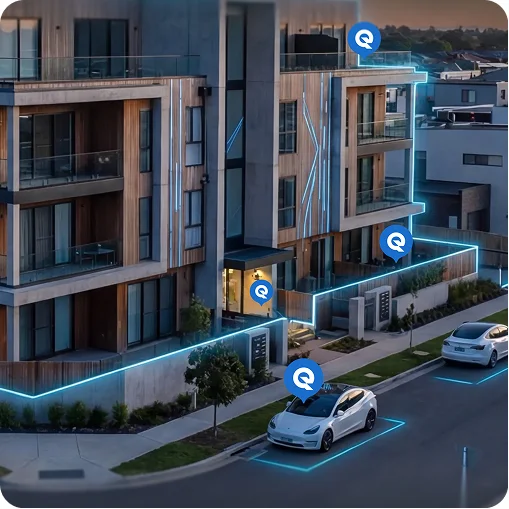
No two buildings are alike. A pre‑war high‑rise in Manhattan has very different challenges than a garden‑style complex in Florida. Some have thick concrete walls and elevators; others have sprawling open spaces and outdoor amenities. Instead of a one‑size‑fits‑all approach, our team of network engineers listens to your needs and studies the building layout with an experienced eye. We look at what’s already there – whether it’s existing cabling, conduit pathways or telecom closets – and decide the best way to use it. When new wiring is unavoidable, we plan the cleanest possible installation, routing cables out of sight and leaving common areas neat and uncluttered. And when wiring isn’t practical, we deploy mesh nodes and other alternatives to extend coverage without drilling holes everywhere. In short, we optimise the network you have and build only what you need, delivering a solution that’s both high‑performing and tidy.
Enterprise-Grade Access Points and Wi-Fi 7 by Default
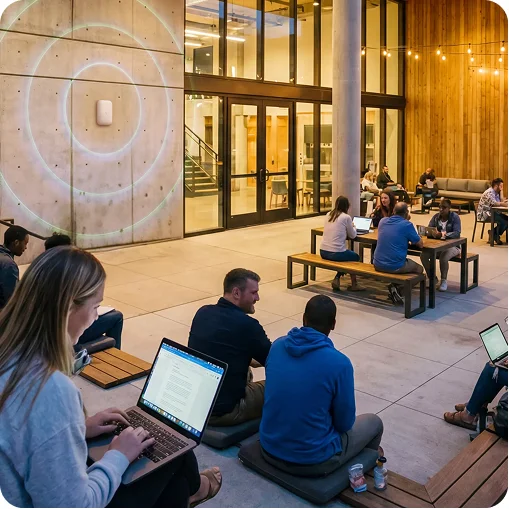
Once we understand your building, we deploy enterprise‑grade Wi‑Fi 7 access points – not the consumer gadgets you find at the big‑box store. Our standard indoor unit, the U7 Pro XGS, can handle 500+ devices and blankets 160 m² (1,750 ft²) with strong, consistent Wi‑Fi. It connects back to the network with a high‑speed uplink and uses tri‑band radios to spread traffic across 2.4 GHz, 5 GHz and the new 6 GHz band. Outdoor areas like pools, courtyards and parking garages get their own rugged access point – the U7 Pro Outdoor – which covers up to 465 m² (5,000 ft²) and supports hundreds of devices while standing up to the elements. Together, these APs create a seamless network that keeps everyone connected, even during peak hours.
Wi‑Fi 7 isn’t just faster; it’s more efficient. The standard introduces wider channels and new modulation schemes that squeeze more data into the same airwaves. These innovations mean your network can handle 4K streaming, cloud gaming and telehealth without breaking a sweat. We fine‑tune power levels to reduce interference and use wired backhaul whenever it’s available to keep speeds consistent.
Infrastructure Designed for Growth
Great Wi‑Fi isn’t just about radios. A reliable network also needs a strong backbone – the switches, routers and power systems that keep data flowing. Our design team ensures there’s a dedicated space in your property to house enterprise‑grade equipment with proper power and ventilation. We deploy high‑capacity switches like the USW‑Pro‑Aggregation and USW‑Pro‑XG‑24‑PoE, which offer multi‑gigabit switching, plenty of uplinks and PoE to power access points. These devices handle enormous amounts of traffic without slowing down and provide redundancy so your network stays up even if a component fails. In short, we build the foundation that supports today’s devices and whatever comes next.
Guest Access, Security, and Network Management
Smart devices are everywhere, and residents expect to connect everything from doorbells to thermostats without worrying about privacy or reliability. That’s why our networks include separate guest access and robust back‑end management. Guests can hop online without exposing internal systems, and our cloud‑based controller monitors performance 24/7, applying updates and adjustments automatically. This proactive approach reduces service calls and gives your team peace of mind.
Why Bulk Internet and Managed Wi-Fi Make Financial Sense
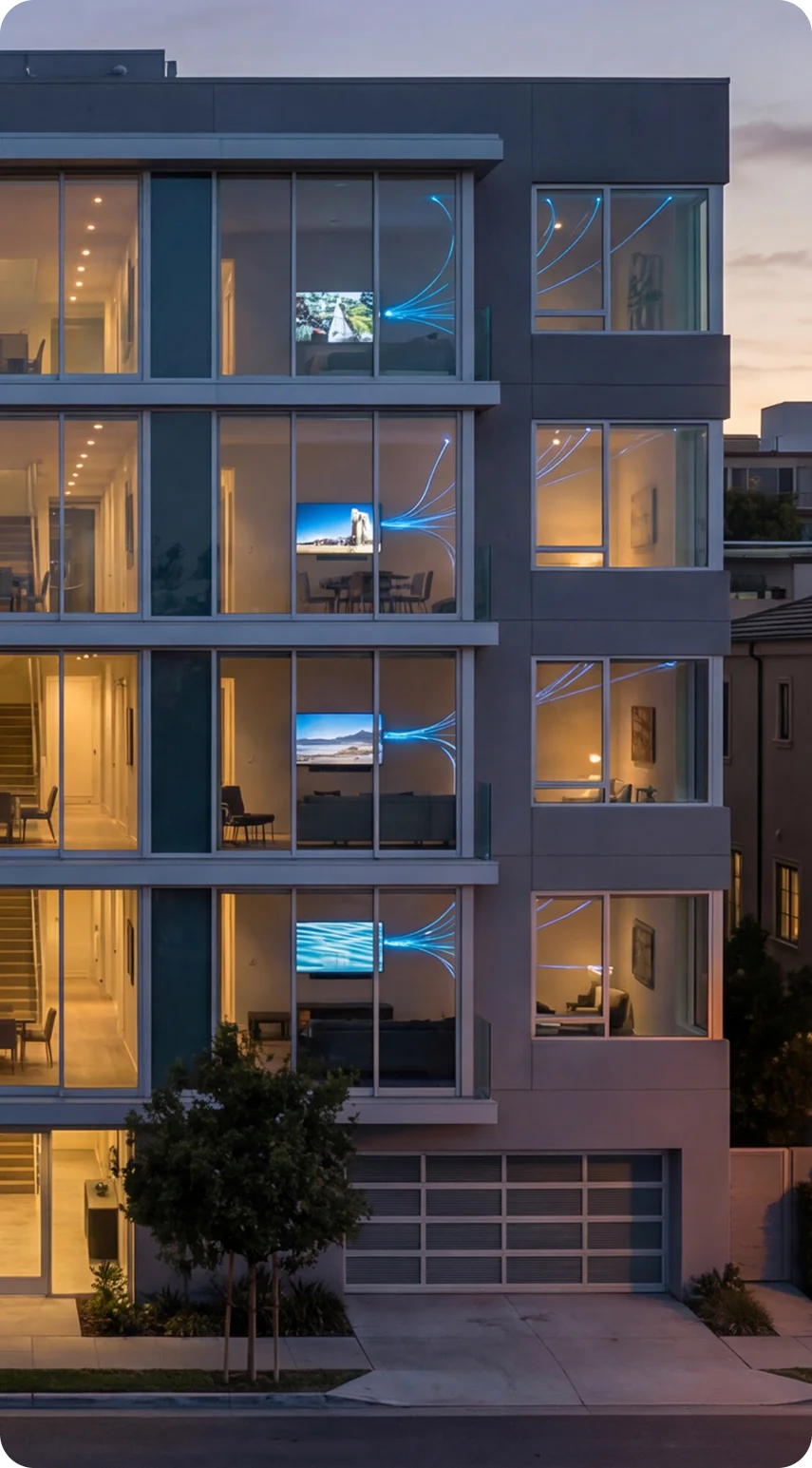
Switching to a community‑wide network isn’t just a perk for residents; it’s a business decision. By designing your property around a single, enterprise‑grade network and purchasing bandwidth in bulk, you harness economies of scale. The same high‑capacity infrastructure that keeps devices humming also lets you offer internet service to residents at a competitive rate. When connectivity is bundled into rent or HOA dues, residents move in with instant, high‑speed access, there’s no waiting for installation, and owners lock in wholesale pricing. Strong connectivity supports value‑added services like smart locks, security cameras and EV chargers and reduces ticket volume because a properly designed network simply works. Those savings and revenue opportunities translate to higher occupancy, premium rents and improved net operating income (NOI). And because our team monitors and supports the network 24/7, your staff no longer field Wi‑Fi complaints – we do.
Ready to Bring Order to Wi-Fi Chaos?
If your apartment community is struggling with dead zones, slow speeds or support tickets, it’s time to rethink your approach. Our team specialises in designing networks that thrive in dense device environments. We’ll conduct a site survey, engineer a future‑proof design with Wi‑Fi 7 capabilities, build the right back‑end infrastructure and deliver a seamless onboarding experience for your residents. With managed, property‑wide connectivity you can stop worrying about Wi‑Fi and focus on what matters – running a great community.
Let’s talk about how we can future‑proof your property today.
Sources
- ConsumerAffairs, “Average number of smart devices in a home 2025” – statistics on the average number of connected devices per U.S. household
- Cisco Meraki documentation, “High Density Wi‑Fi Deployments” – defines high‑density Wi‑Fi, planning details, and capacity‑planning methodology
- Bitdefender, “Planning a High‑Density Smart‑Home Network for Wi‑Fi 7” – explains Wi‑Fi 7 features, tri‑band mesh topology, channel planning, device segmentation, TWT and roaming tips